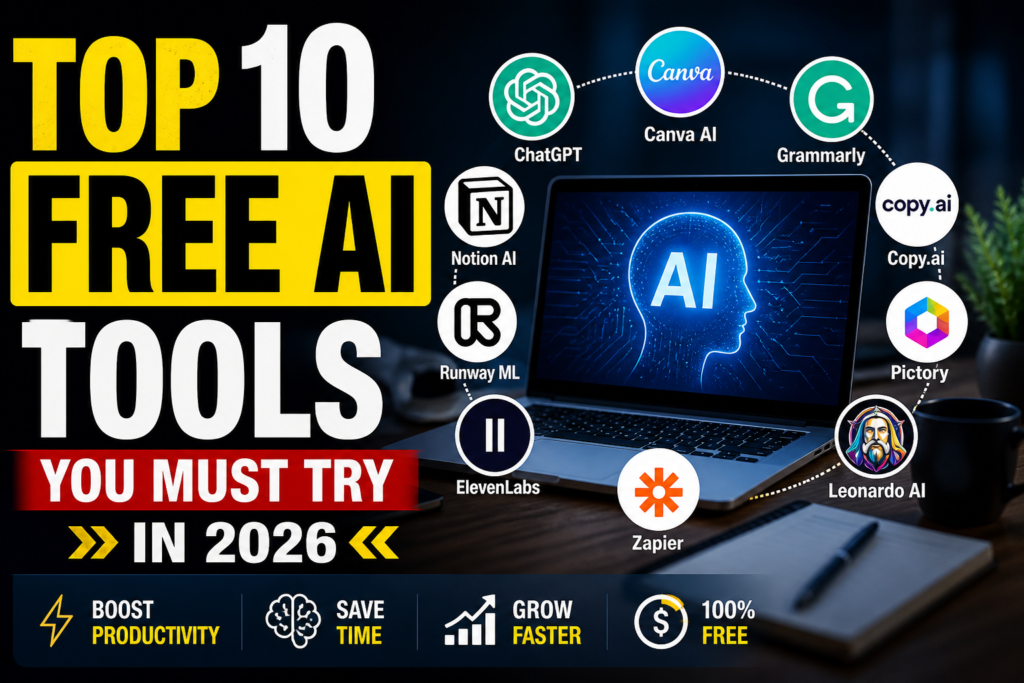

Top 10 Free AI Tools to Explode Your Productivity in 2026
Introduction: The AI Revolution is Free (If You Know Where to Look)
Imagine having a personal assistant, a professional graphic designer, and a world-class researcher working for you 24/7—without ever sending you an invoice.
Two years ago, this sounded like a sci-fi dream. Today, it is the daily reality for anyone using the right AI stack. But here is the problem: the market is flooded. Every day, ten new “revolutionary” tools launch, most of which are just wrappers for paid services.
If you are tired of clicking on “free” tools only to find a massive paywall after three clicks, this guide is for you. We have spent hundreds of hours testing, breaking, and verifying the best free AI tools available in 2026. These aren’t just “free trials”; these are robust platforms with generous free tiers that can actually handle professional workloads.
Let’s dive into the definitive list of the top 10 free AI tools that will change the way you work forever.
1. ChatGPT (OpenAI): The Ultimate Multi-Tool
No list of the top 10 free AI tools is complete without the king of conversational AI. While the “Plus” version exists, the free tier of ChatGPT remains the most versatile tool for the average user.
Why It Made the List
OpenAI’s free tier now offers access to their flagship models (like GPT-4o and limited GPT-5 variants) with a dynamic message cap. It is no longer just a chatbot; it is a multimodal powerhouse. You can upload images for analysis, ask it to write complex Python scripts, or even use it as a language tutor.
Key Free Features:
- Custom Instructions: Tell the AI once how you want it to respond, and it remembers forever.
- Data Analysis: Upload a CSV or Excel file and ask the AI to find trends or create charts.
- Voice Mode: Have a real-time, hands-free conversation with the AI on your mobile device.
Real-World Insight:
Don’t just ask ChatGPT to “write an email.” Ask it to “Adopt the persona of a polite but firm project manager and draft a follow-up email for a late invoice.” The more context you give, the better the free version performs.
2. Claude (Anthropic): The Most “Human” Writer
If ChatGPT feels too “robotic” for your taste, meet Claude. Developed by Anthropic, Claude has gained a massive following for its nuanced, safe, and incredibly human-like writing style.
Why It Made the List
Claude excels at long-form content and creative nuance. In the world of the “Top 10 Free AI Tools,” Claude is the poet and the scholar. Its free tier gives you access to Claude 3.5 Sonnet, which many professionals actually prefer over paid competitors for its ability to follow complex instructions without getting “confused.”
Key Free Features:
- Artifacts: A dedicated side-window that lets you view code, documents, and websites live as Claude builds them.
- Large Context Window: You can paste massive chunks of text (like a full chapter of a book) and ask for a summary.
- Safety First: Claude is designed to be helpful, honest, and harmless, making it great for corporate environments.
Pro Tip:
Use Claude when you need to brainstorm brand names or write blog posts. It avoids the repetitive “AI-isms” like “In the ever-evolving landscape…” that plague other models.
3. Perplexity AI: The Search Engine of the Future
Google is great for finding links; Perplexity is great for finding answers. This tool combines the power of LLMs with real-time web searching.
Why It Made the List
Perplexity is arguably the most useful “free AI for research” on the market. Instead of giving you a list of websites to visit, it reads the top 10-20 results and writes a cited, footnoted summary for you. It is the ultimate time-saver for students, journalists, and researchers.
Key Free Features:
- Source Citations: Every claim the AI makes is linked to a real website, so you can verify the data.
- Collections: Organize your research into folders for different projects.
- Pro Discovery: Free users get a limited number of “Pro” searches every day, which use even more advanced reasoning models.
Why it beats Google:
When you search for “Best budget laptops for video editing” on Google, you get 10 ads and 5 affiliate blogs. On Perplexity, you get a table comparing the top 3 options based on recent reviews, with links to where to buy them.
4. Canva Magic Studio: Design for Non-Designers
Canva was already the favorite tool of small business owners. With the addition of “Magic Studio,” it has become a top-tier AI design platform.
Why It Made the List
You don’t need to learn Photoshop anymore. Canva’s AI tools allow you to generate images from text, remove backgrounds, and even “magic expand” a photo that was cropped too tightly—all within their free plan.
Key Free Features:
- Magic Media: Type “A futuristic city in the style of Van Gogh” and get 4 unique images.
- Magic Write: An AI writing assistant inside your design to help with slogans and captions.
- AI Photo Editor: Simple AI-powered filters and object removal tools.
5. NotebookLM (Google): Your Personal Knowledge Base
NotebookLM is perhaps the most underrated tool on this list. It is a research and note-taking assistant that “grounds” its AI in your own documents.
Why It Made the List
Unlike a general chatbot, NotebookLM only knows what you tell it. You upload your PDFs, meeting notes, or research papers, and it becomes an expert on your data. It’s essentially a “talk to your documents” tool that is 100% free.
Standout Feature: Audio Overviews
NotebookLM can take a 50-page dry technical manual and turn it into a 10-minute, two-person podcast conversation that explains the key points. It is mind-blowing technology for auditory learners.
6. Grammarly: More Than Just a Spellcheck
Grammarly has evolved from a simple grammar checker into a full-blown AI writing co-pilot.
Why It Made the List
While the premium version offers advanced “plagiarism checks,” the free version is more than enough for 90% of users. It uses AI to detect your tone (are you sounding too aggressive in that email?) and suggests ways to make your writing more concise.
Key Free Features:
- Tone Detector: Helps you stay professional in workplace communications.
- AI Rewriting: Get 100 free AI prompts per month to rephrase awkward sentences.
- Cross-Platform Integration: Works in Gmail, Word, Slack, and even on your phone.
7. Leonardo.ai: Professional-Grade AI Art
While Midjourney is famous, it costs money. Leonardo.ai is its biggest “free” competitor, offering stunning image generation for zero dollars.
Why It Made the List
Leonardo gives you a daily allowance of “tokens” (150 per day) that refresh every 24 hours. For most creators, this is plenty for daily social media posts or blog headers. The quality is arguably the best of any free AI image generator in 2026.
Key Free Features:
- Fine-tuned Models: Choose between styles like “PhotoReal,” “3D Animation,” or “Sketch.”
- Image Guidance: Upload a rough sketch, and the AI will turn it into a masterpiece.
- Canvas Editor: Edit parts of an image (like changing a character’s hat) using AI.
8. Otter.ai: The Meeting Savior
If you spend your life in Zoom or Google Meet, Otter.ai is your new best friend. It is an AI transcription and meeting assistant.
Why It Made the List
Otter joins your meetings as a “bot,” listens to everything said, and provides a perfect transcript with speaker identification. It even writes a summary of action items so you don’t have to take notes.
Key Free Features:
- Live Transcription: See words appear as people speak.
- Automated Summaries: Get the “TL;DR” of a 60-minute meeting in 3 paragraphs.
- Searchable History: Forget what was decided last Tuesday? Just search your Otter dashboard.
9. CapCut: The AI Video Editor
Owned by the creators of TikTok, CapCut has become the gold standard for free, AI-powered video editing on both mobile and desktop.
Why It Made the List
Video is the most effective way to grow online, but editing is hard. CapCut’s AI features—like auto-captions, background removal, and “AI Script to Video”—make professional-looking content accessible to everyone.
Key Free Features:
- Auto-Captions: Generate perfectly timed subtitles with one click.
- Background Removal: Change the background of your video without a green screen.
- Voice-to-Speech: Use professional-sounding AI voices to narrate your videos.
10. Zapier (Free Tier): Automate Everything
The final tool in our “Top 10 Free AI Tools” list is the glue that holds everything together. Zapier allows you to connect different apps and automate workflows using AI.
Why It Made the List
Zapier’s new “AI-powered builder” lets you describe an automation in plain English. For example: “When I get a new lead in my email, summarize it with AI and send a Slack message to my team.”
Key Free Features:
- Single-Step Zaps: Automate one task between two apps.
- AI Copilot: A chat-based assistant that builds your automations for you.
- No-Code Interface: You don’t need to be a developer to build complex business systems.
How to Choose the Best Free AI Tool for Your Needs
Not all “Top 10 Free AI Tools” are created equal. To get the most out of your AI stack, follow this simple framework:
- For Writing & Brainstorming: Use Claude for creative flow and ChatGPT for logic/coding.
- For Deep Research: Use Perplexity for web data and NotebookLM for your personal files.
- For Visual Content: Use Canva for layouts and Leonardo.ai for custom art.
- For Efficiency: Use Otter.ai for meetings and Zapier for repetitive tasks.
FAQs
1. Are “free” AI tools actually safe to use?
Most reputable tools like ChatGPT and Google Gemini follow strict data privacy laws (like GDPR). however, you should never upload sensitive personal data (like passwords or health records) to any AI, as your data may be used to train future models.
2. Is there a catch with free AI tiers?
The “catch” is usually a usage limit (e.g., 20 messages per hour) or a lack of access to the very latest, most powerful models. For 90% of personal and small business tasks, the free tiers are more than sufficient.
3. Can I use free AI images for my business?
Yes, most tools like Leonardo.ai allow commercial use of images generated on their platform, but you should always check the specific “Terms of Service” as they can change.
4. Will AI replace my job?
AI is a tool, not a replacement. Think of it like a calculator for writing and design. It won’t replace the person who knows how to use it; it will replace the person who refuses to learn.
5. What is the best free AI tool for students?
NotebookLM and Perplexity AI are the ultimate duo for students. One helps you understand your textbooks, while the other helps you find reliable external sources for your essays.
Conclusion
The landscape of the top 10 free AI tools is shifting every week. What was a paid feature yesterday is a free standard today. By integrating these ten tools into your daily routine, you aren’t just working faster—you are working smarter.
Don’t try to master all ten at once. Pick one that solves your biggest current “pain point”—whether that’s writing emails, designing social posts, or summarizing long meetings—and start there.
The future is here, and luckily for us, it doesn’t always come with a monthly subscription.